Computing
Computing for 3rd
Algorithms, online safety, digital literacy and basic programming concepts.
All resources
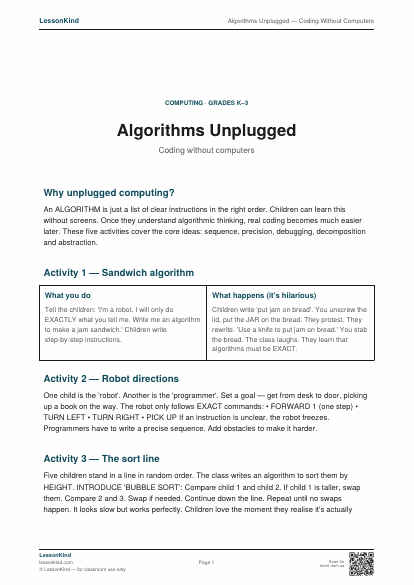
Algorithms Unplugged — Coding Without Computers
Five no-screen activities that teach algorithmic thinking — making a sandwich algorithm, robot directions, sorting routines and bug hunting.
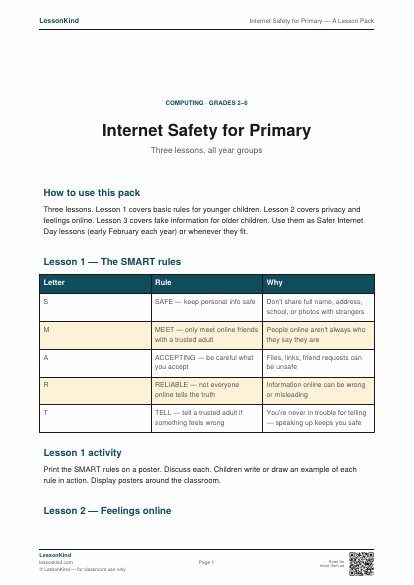
Internet Safety for Primary — A Lesson Pack
Three age-banded internet safety lessons covering the SMART rules, what to do if something feels wrong, and how to spot fake information.
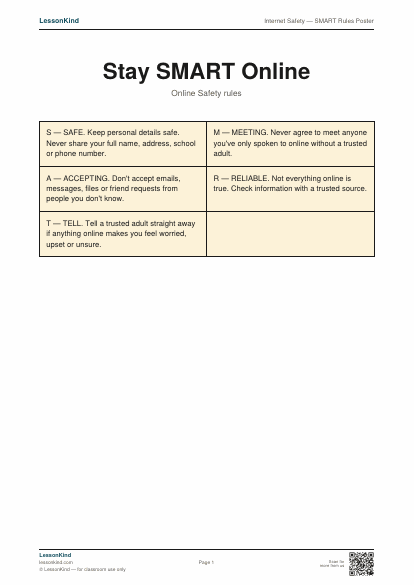
Internet Safety — SMART Rules Poster
The classroom-classic SMART online-safety rules in poster form for display.
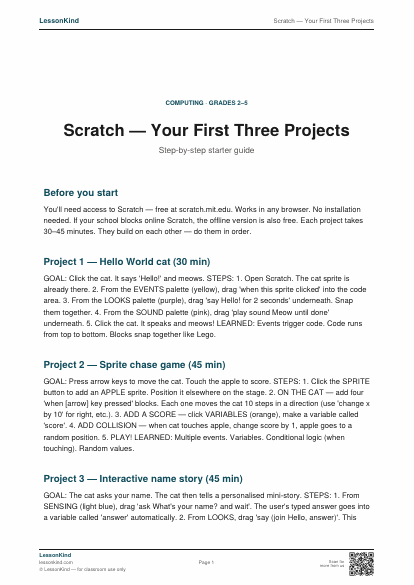
Scratch — Your First Three Projects
Step-by-step guide to three starter Scratch projects — Hello World cat, sprite chase game, and an interactive name story.
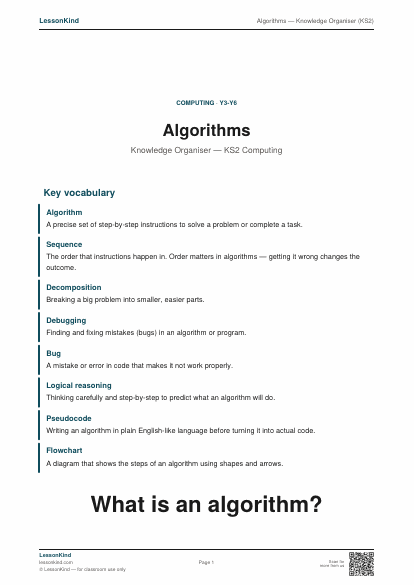
Algorithms — Knowledge Organiser (KS2)
Single-page reference for KS2 computing — algorithms. Covers what algorithms are, sequences, decomposition, debugging, and real-world examples. Aligns with KS2 NC computing requirements.
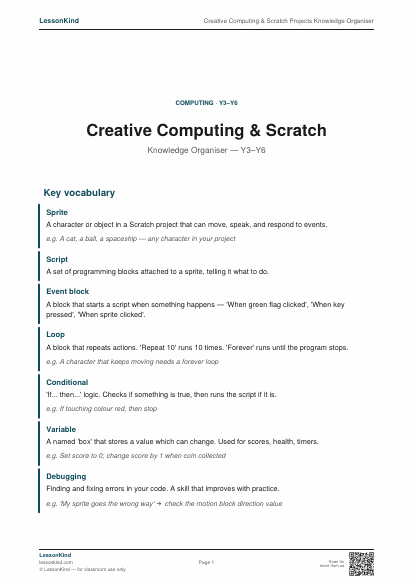
Creative Computing & Scratch Projects Knowledge Organiser
A KS2 knowledge organiser on creative computing — design thinking, planning digital projects, debugging, and how Scratch enables storytelling, game design, and interactive art.
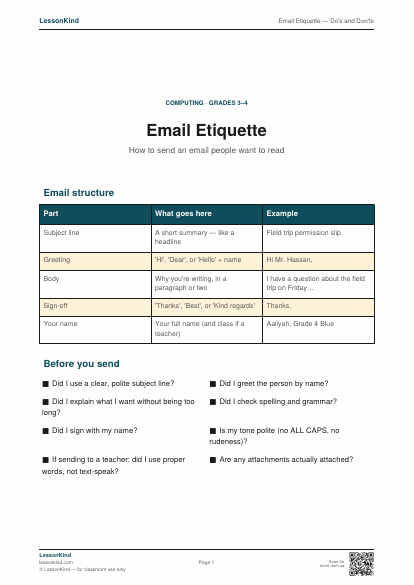
Email Etiquette — Do's and Don'ts
Learn how to write a clear, polite email. Includes a structure template and a 'before you send' checklist.
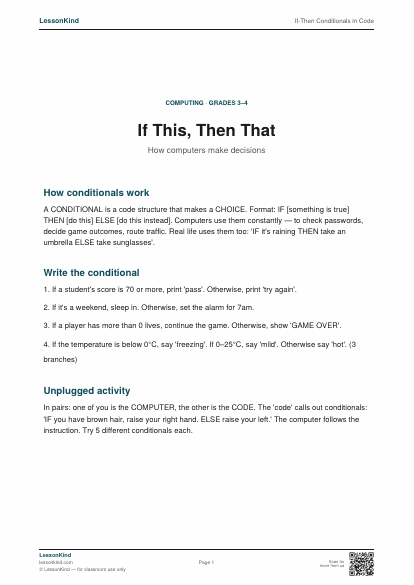
If-Then Conditionals in Code
How computers make decisions — IF something is true, THEN do this. With unplugged practice activities.
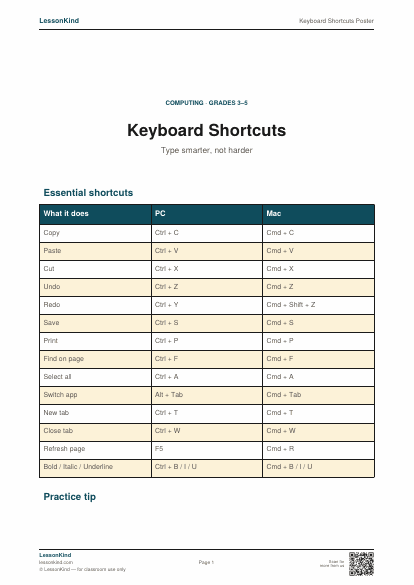
Keyboard Shortcuts Poster
The most useful keyboard shortcuts every elementary student should know. Mac and PC versions.
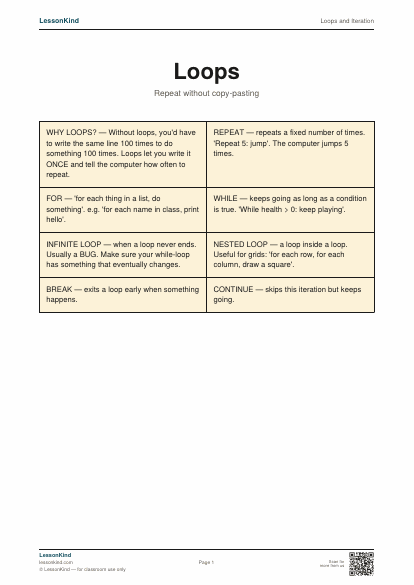
Loops and Iteration
Three kinds of loop in coding — for, while, repeat — explained with examples.
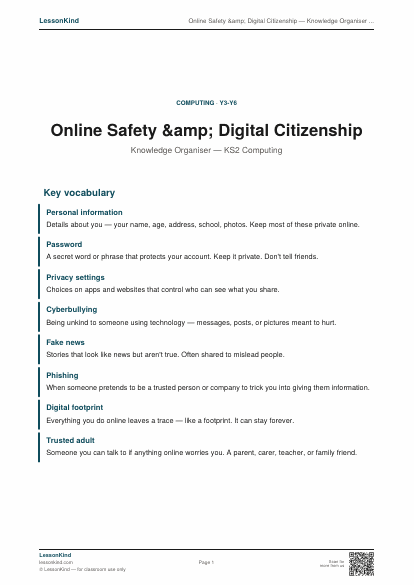
Online Safety & Digital Citizenship — Knowledge Organiser (KS2)
Single-page reference for KS2 online safety. Covers personal information, passwords, what to do about worrying content, kindness online, and recognising fake or unreliable information. Aligns with KS2 NC computing and DfE statutory online safety guidance.
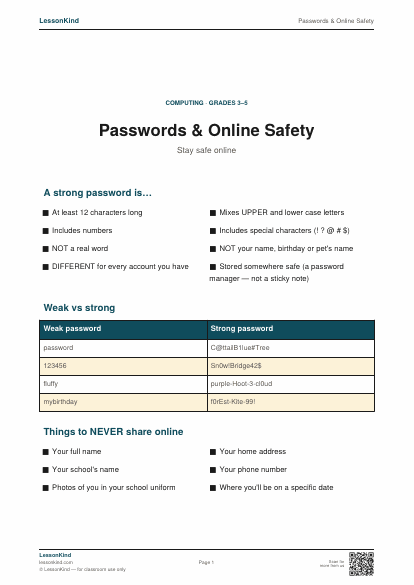
Passwords & Online Safety
How to make a strong password, what to keep private, and what to do if something goes wrong online.
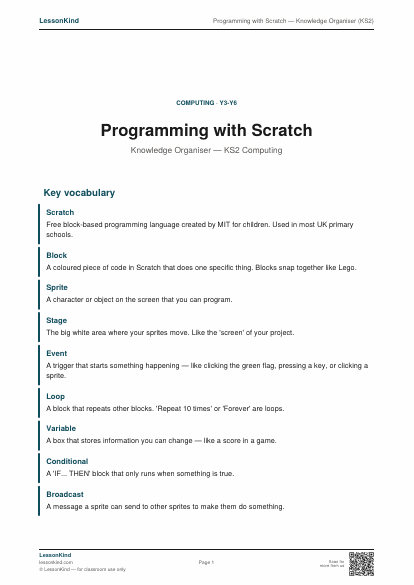
Programming with Scratch — Knowledge Organiser (KS2)
Single-page reference for Scratch programming concepts in KS2. Covers blocks, sprites, events, loops, variables, and conditionals. Aligns with KS2 NC computing programming objectives.
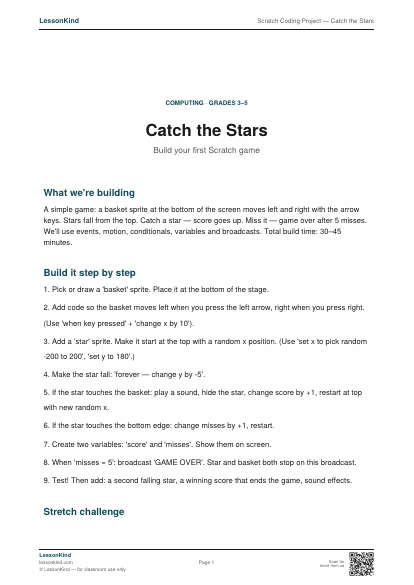
Scratch Coding Project — Catch the Stars
Step-by-step guide to building a simple Scratch game. Covers events, motion, conditionals, score and broadcast.
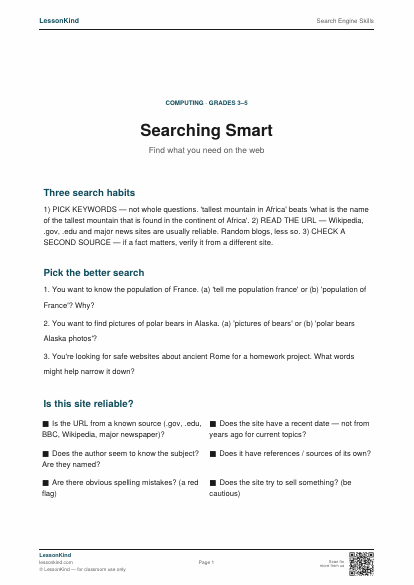
Search Engine Skills
Use search engines effectively — pick keywords, filter results, spot reliable sources.